
import torch
from diffusers import DiffusionPipeline

# switch to "mps" for apple devices
pipe = DiffusionPipeline.from_pretrained("black-forest-labs/FLUX.1-dev", dtype=torch.bfloat16, device_map="cuda")
pipe.load_lora_weights("cocktailpeanut/optimus")

prompt = "optimus is cleaning the house with broomstick"
image = pipe(prompt).images[0]optimus
Trained with Fluxgym

- Prompt
- optimus is cleaning the house with broomstick

- Prompt
- optimus is competing in a bboy break dancing competition

- Prompt
- optimus is playing the game of go, against a human

- Prompt
- optimus is driving a car
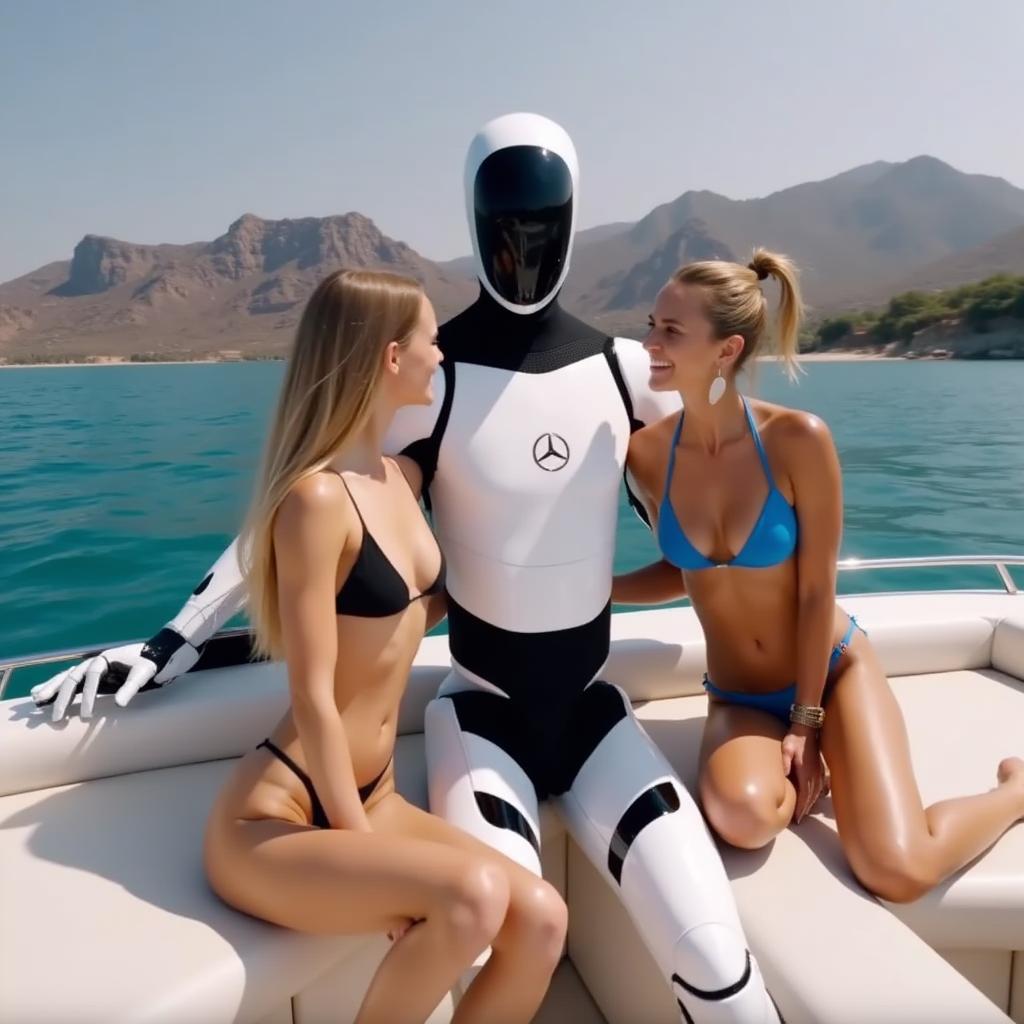
- Prompt
- optimus chilling on a yacht with bikini ladies

- Prompt
- optimus is playing tennis in a tennis court

- Prompt
- optimus is a DJ performing at a hip nightclub, surrounded by hot people
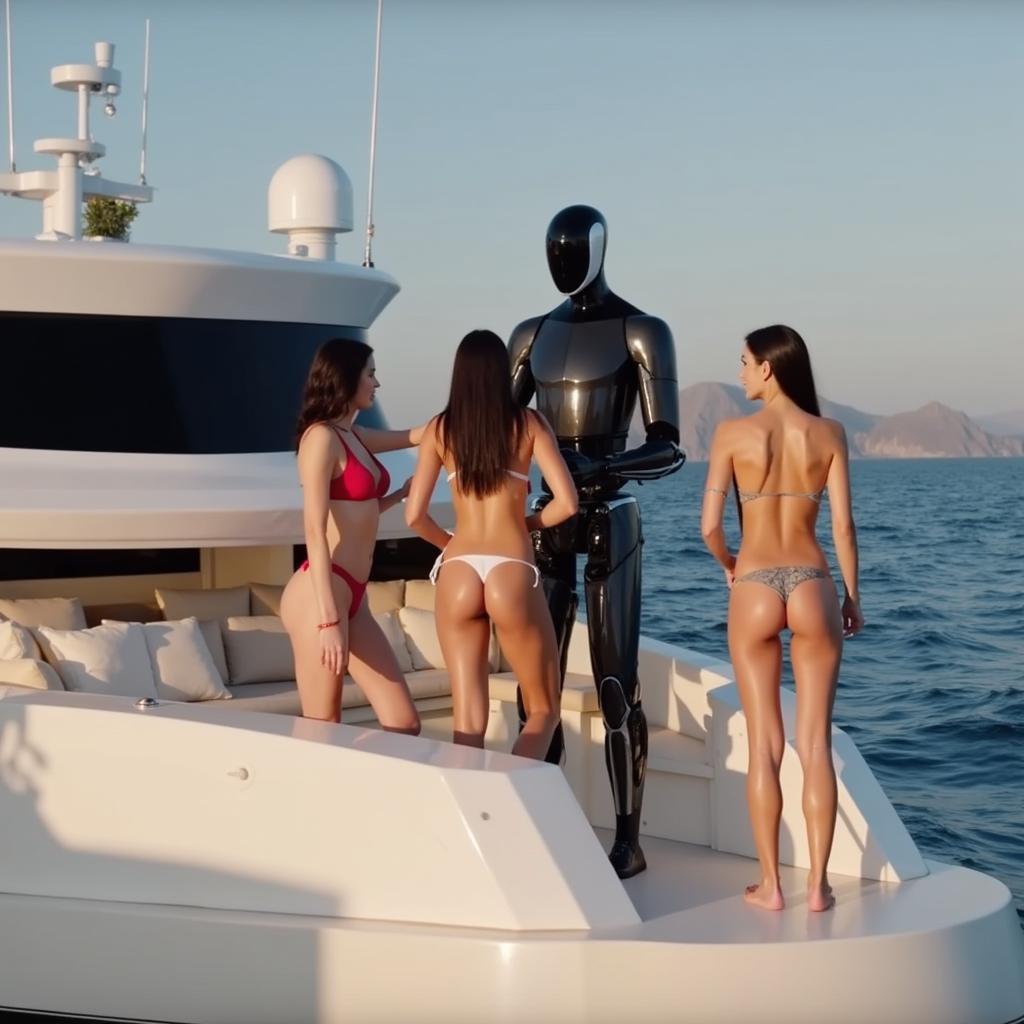
- Prompt
- optimus is chilling on a yacht with many bikini ladies on his side

- Prompt
- optimus has angel wings and flies around in new york city
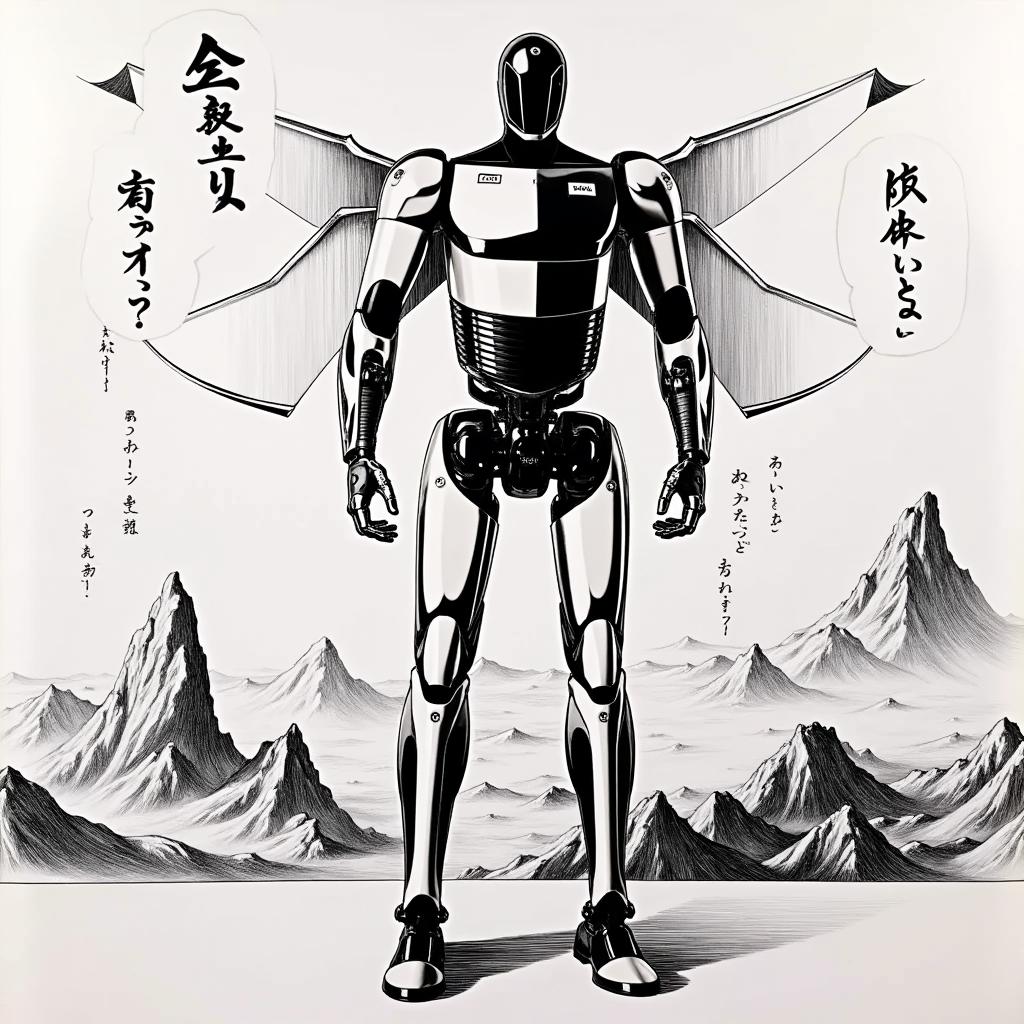
- Prompt
- optimus is in a japanese manga page
Trigger words
You should use optimus to trigger the image generation.
Download model and use it with ComfyUI, AUTOMATIC1111, SD.Next, Invoke AI, Forge, etc.
Weights for this model are available in Safetensors format.
- Downloads last month
- 89
Model tree for cocktailpeanut/optimus
Base model
black-forest-labs/FLUX.1-dev